Video interview tips are easy to find and hard to use under pressure, which is why MockGPT treats video preparation as a practice loop instead of a checklist. You can know that you should check your camera, sit near a window, and look at the lens, then still join the call feeling stiff, rushed, or oddly unlike yourself.
The goal is not to become a polished broadcaster. The goal is to remove the small video-call problems that make a good candidate look unprepared: bad framing, thin audio, notes that pull your eyes away, answers that trail off, or a frozen moment after a follow-up question.
Virtual interview tips are useful only when they test both what you say and how your answer arrives. A strong answer has to survive the camera, the delay, the follow-up, and the replay.
If the setup makes the interviewer work harder to hear, see, or follow you, the interview has already become harder than it needs to be.
What video interview tips actually fix
The best video interview tips fix signal loss. In person, a hiring team can read posture, pace, eye contact, and presence more naturally. On video, those signals get compressed into a small frame, a microphone, and a few seconds of delay.
That means preparation has two jobs. First, reduce friction: stable internet, camera height, sound, light, and a backup plan. Second, make your answers easier to process: shorter openings, clearer pauses, visible calm, and notes that support you without stealing your attention.
The Muse's practical video interview advice is a useful reminder that the format changes small behaviors: testing the technology, managing the setting, and practicing how you appear on screen all matter before the substance arrives. A live call tests conversation, repair, and follow-up handling. A prerecorded screen tests concision, timing, and whether you can sound human when nobody is reacting.
What changes on video
Turn common video friction into a preparation decision| Video risk | What the interviewer feels | Better preparation move |
|---|---|---|
| Camera too low or too close | The answer feels less composed, even if the words are fine. | Raise the lens to eye level and leave a little shoulder space in frame. |
| Weak microphone or echo | The interviewer has to concentrate on basic comprehension. | Record a 20-second test and choose the cleanest mic before the call. |
| Eyes constantly checking notes | The answer can feel read, not spoken. | Use three cue words near the camera, not paragraphs off to the side. |
| Long answers with no visual feedback | The interviewer may lose the thread before the strongest point arrives. | Open with the answer, then give proof, then stop cleanly. |
- Reduce frictionMake the call easy to hear, see, and follow.
- Shorten the pathPut the answer before the backstory.
- Plan recoveryKnow what to do when tech or nerves interrupt.
11 video interview tips before you join the call
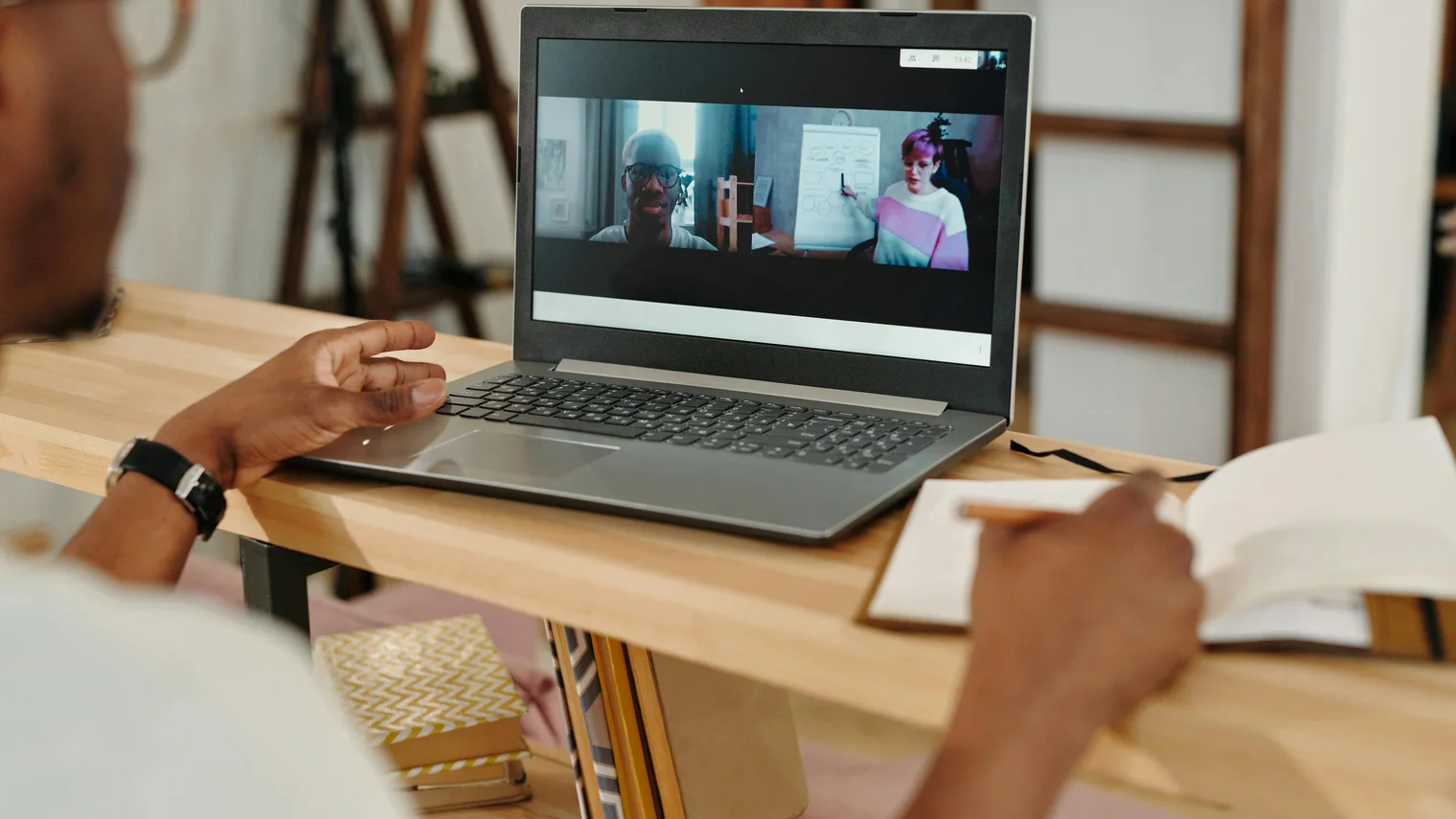
Use these video interview tips as a pre-call pass, not as a personality makeover. Ten minutes before the interview is not the time to redesign your setup. It is the time to remove obvious distractions and protect your attention.
- Put the camera at eye level so you are not looking down at the interviewer.
- Face the strongest light source instead of putting a bright window behind you.
- Record a short test clip and listen for echo, keyboard noise, fan noise, or thin audio.
- Close tabs, notifications, calendars, messaging apps, and anything that can pop over the call.
- Keep water, charger, resume, job description, and two or three cue words within reach.
- Move notes close to the camera so checking them does not look like leaving the conversation.
- Test the exact meeting link, browser, app, password, and waiting-room flow.
- Rename yourself professionally if the platform displays a nickname or old account.
- Prepare one sentence for audio trouble, such as "I may have lost the last few words. Could you repeat the question?"
- Practice your first 30 seconds out loud so your voice is warm before the call starts.
- Join two to five minutes early, then stop tinkering unless something is actually broken.
Camera, voice, and notes matter more than a perfect background
Many candidates over-invest in background and under-invest in sound. A neat background helps, but clean audio usually matters more. If the interviewer has to strain to hear you, the answer feels less confident before the content has a chance to work.
Camera position matters because it changes perceived presence. You do not have to stare into the lens for the entire interview. A natural rhythm is better: look at the interviewer while listening, glance at the lens when making a key point, and return to the screen when they react.
Notes should be tiny. A full script creates the wrong kind of safety. It pulls your eyes sideways and makes the answer fragile if the interviewer interrupts. Keep only the few words you might forget: role priority, one metric, one story title, and one question you want to ask.
Use it when landing the main point, not as a staring contest.
Speak slightly slower than normal and let short pauses exist.
Use cue words, not paragraphs, so the answer stays conversational.
Answer on camera without performing
The video format can make people overperform. They sit too still, smile at the wrong time, or answer like they are recording a training video. That can feel less trustworthy than a slightly imperfect but specific answer.
Good interview communication is still job-related. The U.S. Office of Personnel Management explains that structured interviews use job-related questions and rating criteria. On video, your job is to make the evidence easier to understand, not to create a more theatrical version of yourself.
A simple answer shape works well: answer first, give one proof point, explain the tradeoff, then stop. If the interviewer wants more, they will ask. This is especially important on video because silence can feel uncomfortable and tempt you to keep talking past the strongest ending.
"Yes, I have handled that kind of stakeholder conflict. The clearest example was a dashboard launch where sales wanted speed and finance wanted cleaner definitions. I paused the launch by two days, documented the metric rules, and got both teams to agree on one source of truth. The tradeoff was short-term frustration, but the result was fewer disputes after launch. If useful, I can explain how I handled the pushback."
Video interview tips for one-way screens
One-way interviews feel strange because there is no human feedback loop. You answer a prompt, watch a timer, and hope the recording feels natural. The risk is sounding either too scripted or too casual.
For prerecorded screens, the strongest video interview tips are about structure and restraint. Start with the answer in the first sentence. Use one example, not three. Watch the timer, but do not race it. If the platform allows a practice recording, use it to test sound and pacing, not to memorize a perfect version.
NACE's career readiness framework names communication and professionalism among core career competencies. In a one-way video, those signals often show through clarity, tone, and whether you can answer the prompt without wandering.
- Write the first sentence before recording, then speak the rest naturally.
- Use one story per answer unless the prompt explicitly asks for comparison.
- Keep your hands relaxed and visible enough that you do not look frozen.
- Stop when the answer is complete, even if the timer still has time left.
- Do not rerecord endlessly if the platform allows retries; fix only clear defects.
Recover well when something goes wrong
A video interview is more forgiving than it feels. Interviewers have seen lag, frozen screens, headphones that fail, and candidates who need a question repeated. The bigger signal is how you recover.
Prepare repair sentences before you need them. "I think the audio cut out for a moment; could you repeat the last part?" is better than pretending you heard the question. "Let me restart my camera while staying on audio" is better than apologizing five times. Calm repair keeps the conversation moving.
The same idea applies to answers. If you start in the wrong direction, correct cleanly: "Let me answer that more directly." Then give the shorter version. This small reset can save an answer that would otherwise wander.
Simple recovery language
Use calm repair instead of awkward apologizing| Problem | Say this | Why it works |
|---|---|---|
| You missed part of the question. | "I may have lost the last few words. Could you repeat the final part?" | Shows honesty and protects answer quality. |
| Your answer is drifting. | "Let me answer that more directly." | Resets without making the mistake dramatic. |
| Your camera freezes. | "I am still here on audio. I am going to restart the camera." | Keeps the interviewer oriented. |
Practice video interviews with replay, not just a checklist
The checklist matters, but it will not tell you whether your answers feel clear on camera. Practice once, then review the recording or transcript as if you were the interviewer. Where did the answer start? Where did proof appear? Did you trail off? Did your eyes leave the conversation when the question got harder?
This is where video interview practice should be more specific than "do a mock interview." Load the resume and job description. Practice a recruiter screen, a hiring manager follow-up, or a final-round prompt. Then review the exact moments where your setup, answer structure, or recovery language weakened the signal.

A good practice loop has three passes. First, do one answer without stopping. Second, review the transcript or recording and mark only one issue. Third, repeat the answer with that issue fixed. That is better than trying to fix eye contact, pacing, examples, metrics, and confidence at the same time.
Use one-way video interview practice when you need the answer to work without live interviewer reactions. The best video interview tips become useful only when they are tested against the real job conversation.
Do one final pass, then leave it alone
The final pass should be boring. Check the link, camera, mic, notes, charger, water, and first answer. Then stop. Over-adjusting right before the call can make you more self-conscious.
In MockGPT, the useful next step is to practice the first five minutes with the resume and target job loaded, then review what actually happened. A video interview does not require a perfect on-screen personality. It requires a clear signal: you understood the role, answered with proof, handled the format, and stayed steady when the conversation got real.
FAQ: video interview tips
What are the most important video interview tips?
The most important tips are to test audio, raise the camera to eye level, face your light source, use cue-word notes, prepare a recovery sentence, and practice the first answer out loud before joining.
Should I look at the screen or the camera during a video interview?
Use both. Look at the screen while listening and reading reactions, then glance at the camera when landing a main point. Constant lens staring can feel unnatural, but never looking near the lens can feel disconnected.
How does MockGPT help with video interview practice?
MockGPT helps you practice with your resume and target job as context, then review follow-ups, transcripts, and feedback so you can fix the exact moments that make video answers feel unclear or over-rehearsed.