A HireVue interview can feel harder than a normal video call because the feedback loop is missing. You may see a prompt, a timer, and your own face, then have to answer without nods, follow-up cues, or a second person helping the conversation breathe. MockGPT treats that as a practice problem, not a personality problem: start from the resume and job description, answer out loud, review what you actually said, then choose one tighter drill.
The goal of HireVue interview prep is not to guess every prompt or memorize a perfect script. The goal is to sound clear, job-relevant, and composed when the format feels artificial. A good answer still needs the same ingredients a live interviewer would care about: a direct point, a relevant story, visible judgment, and enough detail to prove you did the work.
This guide gives you a practical prep loop for one-way video screens, on-demand interviews, and similar recorded formats. Use it before the recording, during your practice run, and after the final submission so the experience becomes less robotic.
Prepare for a HireVue interview by mapping the job description to 5-7 answer cues, recording one practice response at a time, reviewing the transcript or playback for rambling and weak evidence, then repeating the answer with one fix. Do not write full scripts or use live answer assistance during the real interview.
What a HireVue interview really tests
A HireVue interview is usually part of a structured hiring process. The exact setup depends on the employer: some use live video interviews, some use one-way on-demand prompts, and some combine video responses with assessments. HireVue's own candidate interview tips emphasize preparing as you would for any interview: research the role, think about how your skills align, and prepare brief stories about challenges, actions, and results.
That is the useful way to think about it. A recorded screen may feel like a camera test, but the hiring team is still trying to understand whether your experience matches the job. The platform changes the delivery. It does not remove the need for role evidence.
That matters for recorded interview prep because your practice should focus less on charm and more on whether each answer proves a job-related signal. The safest assumption is that every answer may be reviewed against role-relevant criteria, not against how polished you looked in a thumbnail.
HireVue-style formats
Prepare for the format without losing the job signal| Format | What feels different | Better prep move |
|---|---|---|
| One-way video | You answer prompts without a live interviewer reacting. | Practice concise openings and clean endings so silence does not make you ramble. |
| On-demand interview | You may complete the interview on your own schedule within a deadline. | Plan a quiet window, test technology, and stop practicing before fatigue shows. |
| Live video | You still need conversation repair, listening, and follow-up handling. | Practice with follow-up pressure, not only first answers. |
| Assessment-backed screen | The employer may be looking for job-related competencies, not a generic "best" personality. | Keep answers tied to role requirements, decisions, teamwork, and results. |
Start with the role, not the camera
The camera is the most visible part of a HireVue interview, so candidates often start by fixing lighting, background, and eye contact. Those details matter, but they should not be the first layer. If your answer is vague, a better webcam will only make the vague answer easier to see.
Start by reading the job description like an interviewer. Mark the responsibilities, tools, outcomes, customer or stakeholder groups, and seniority signals that repeat. Then choose a resume-backed story for each major signal. This keeps your recorded answers from sounding like generic self-promotion.
If the job asks for customer escalation, prepare a story about a difficult customer and the tradeoff you made. If it asks for data analysis, prepare a story where your analysis changed a decision. If it asks for ownership, prepare a story where you found a problem before someone assigned it to you. This is where a role-specific job description keyword map becomes more useful than another list of sample answers.

What does the employer need to verify?
Which resume detail proves that signal?
Where could a recruiter ask for more detail?
Write cues, not scripts. A cue can be "customer refund dispute, saved account, changed handoff checklist." A script is a paragraph you will try to recite. Cues help you stay natural. Scripts make the answer brittle if the prompt is phrased differently.
Build five answer cues before you record
A strong one-way video interview practice set does not need fifty answers. It needs a small set of flexible stories that can answer several prompt types. Most candidates should prepare five answer cues before recording: one for motivation, one for teamwork, one for conflict or pressure, one for problem solving, and one for a measurable result.
Each cue should fit on a few lines:
- Prompt family: teamwork, problem solving, leadership, customer issue, mistake, or motivation.
- Job requirement: the line from the job description this story proves.
- Story title: a short name you can remember under pressure.
- Result: a number, outcome, decision, lesson, or changed process.
- Follow-up detail: the one fact you might need if the employer reviews your answer closely.
Do not overfit every cue to a guessed prompt. The better approach is to make each cue flexible. For example, a story about fixing a broken onboarding process might answer questions about ownership, stakeholder communication, ambiguity, process improvement, or learning from a mistake.
Northwestern Career Advancement describes a one-way recorded interview as a format with on-screen prompts and recommends a trial run to build confidence and get familiar with the technology. Their virtual interviewing guide is a useful reminder that practice is partly technical and partly behavioral. You need both.
Use a three-pass HireVue interview practice loop
The first practice answer is not supposed to be great. It is supposed to give you evidence. Record one answer, play it back, and notice what actually happened. Did you answer the prompt in the first sentence? Did the story have a result? Did you stop cleanly, or did you keep adding qualifiers because the silence felt awkward?
A practical one-way video loop has three passes:
- First pass: answer once without stopping, even if it feels clumsy.
- Review pass: mark one issue only, such as a slow opening, missing result, or too much background.
- Repair pass: answer again with that one issue fixed, then stop practicing that prompt.
This is the same reason interview transcript review can be more useful than memory. Your memory usually says, "I think I did fine" or "That was terrible." A transcript shows the exact sentence where the answer started late, repeated itself, or finally became specific.
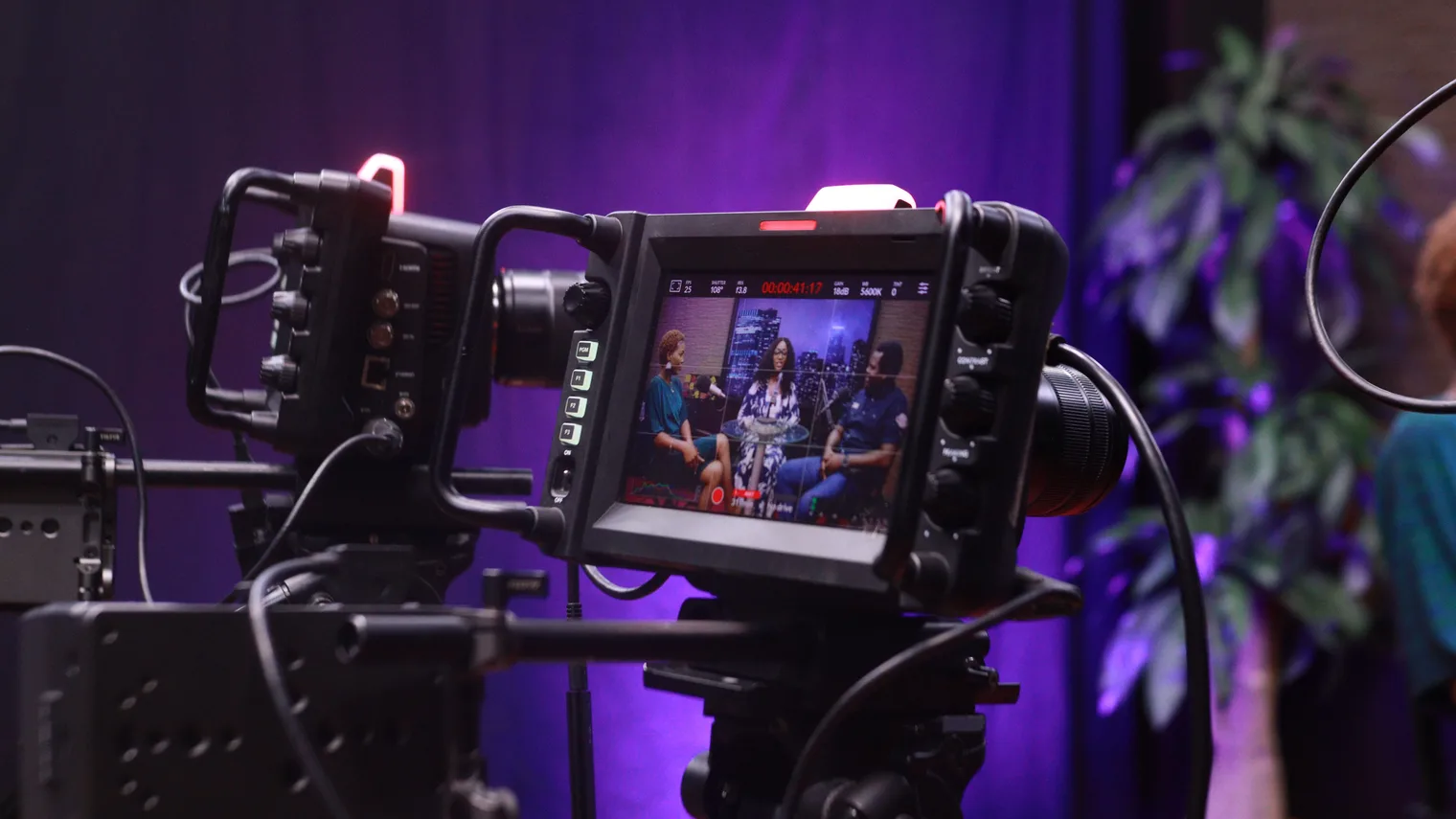
If you try to fix eye contact, pacing, story choice, metrics, confidence, and camera angle at the same time, you will sound more self-conscious. Fix one thing, then run the next answer.
Handle timing, retakes, and blank-screen awkwardness
Recorded interviews create pressure because you cannot read the room. A live interviewer may nod, interrupt, or ask for more detail. A one-way recording or HireVue on-demand interview may give you only a countdown. That makes candidates over-explain. They use every second because empty time feels like failure.
Do the opposite. Treat the timer as a maximum, not a target. A complete 75-second answer is better than a wandering two-minute answer that finally lands at the end. Start with the direct answer, give one example, state the result, then stop.
Use this answer shape when you practice:
"Yes, I have handled that kind of situation. The clearest example was [one sentence of context]. My role was [specific ownership]. I decided to [action and tradeoff]. The result was [outcome]. What I learned for this role is [job-relevant takeaway]."
If the platform allows retries, decide your retry rule before you begin. Retake only when the answer had a clear defect: wrong story, major tech issue, missing result, or a sentence that seriously misrepresented your experience. Do not retake only because your voice sounded unfamiliar. Everyone sounds different on playback.
Do not turn preparation into live answer assistance
There is a line between preparation and hidden assistance. Practicing before the interview is normal. Using a tool to feed you answers during the actual assessment can create ethical, privacy, and policy risks. It can also make your answer sound less like you.
The safer preparation move is to build reusable judgment before the recording. Know your stories. Know the job description. Know the first sentence you would use for common prompt families. Then close anything that could distract you or tempt you into reading.
NACE lists communication and professionalism among its career readiness competencies. In a recorded screen, professionalism is partly how you handle the format: honest preparation, clear answers, and respect for the assessment rules.
Preparation vs. risky shortcuts
Stay on the practice side of the line| Do this before the interview | Avoid during the real recording |
|---|---|
| Practice answer cues from your resume and the job description. | Reading full paragraphs from another screen. |
| Record a rehearsal and review the transcript. | Using live prompts or answer suggestions while recording. |
| Prepare a quiet space and short recovery phrases. | Opening tabs, chats, or generators that are not part of the assessment. |
| Use bullet cues near the camera. | Trying to hide a script off-screen. |
Review the recording like evidence
After a practice recording, do not ask, "Did I look confident?" first. Ask, "What evidence did this answer give the employer?" That question is more useful because it points to something you can fix.
Review your practice recording with four checks:
- Opening: did the first sentence answer the prompt?
- Evidence: did the story include your action, not only the team's action?
- Result: did the answer show an outcome, lesson, decision, or metric?
- Ending: did you stop after the point was complete?
If the answer fails one check, repair that one check. If it fails all four, choose a different story. The problem may not be delivery. It may be that you picked an example that does not fit the prompt or the role.

Playback findings
Turn awkward moments into the next drill| What you notice | What it probably means | Next drill |
|---|---|---|
| You spend 30 seconds setting context. | The answer starts too far from the prompt. | Practice a one-sentence answer first, then add context. |
| You keep saying "we" when asked about your work. | Your ownership is unclear. | Rewrite the cue with one "I decided" or "I built" sentence. |
| You trail off at the end. | You do not know where the answer should land. | Prepare a final sentence that links the story back to the role. |
| Your answer sounds memorized. | You practiced wording instead of decisions. | Keep the same story but change the wording each rehearsal. |
Day-of checklist for a HireVue interview
The day of a HireVue interview should feel quiet, not frantic. You have already chosen your stories. Now your job is to protect attention.
- Confirm the deadline, device, browser, login link, and internet connection.
- Test your camera and microphone with the same device you will use.
- Put resume, job description, and five answer cues nearby.
- Move cues close to the camera so you do not keep looking sideways.
- Close messaging apps, notifications, unrelated tabs, and AI tools.
- Record one warm-up answer, then stop practicing.
- Take a short break before starting so your first answer is not rushed.
Do not do a full mock interview immediately before the real recording. That can make you sound stale. A short warm-up is enough: voice, posture, opening sentence, and camera check.
Turn the result into your next interview drill
After the recording, write down what you remember while it is fresh: the prompt type, the story you used, the answer that felt strongest, the answer that felt vague, and one improvement for the next round. This is not only for the recorded screen. It helps you prepare for the recruiter screen, hiring manager call, or final round that may follow.
A useful next drill might be a follow-up question you wish you had practiced, a shorter opening, a stronger metric, or a clearer explanation of why you want the role. If you later receive feedback, connect it to your notes instead of treating it as a vague judgment of your confidence.
This is where mock interview feedback becomes practical. Good feedback should point to the next behavior: answer first, use a better story, name your ownership, add the result, or stop sooner.
A HireVue interview is awkward because it removes normal conversation cues. You can still prepare for it like a real hiring conversation. Use the job description, choose proof stories, practice out loud, review the playback, and make one repair at a time. MockGPT is built around that same loop: role context, realistic practice, transcript review, feedback, and a sharper next drill.
FAQ: HireVue interview prep
What is a HireVue interview?
A HireVue interview is a video-based interview or assessment experience used by employers. Depending on the employer, it may be a live video interview, a one-way recorded interview, or part of a broader assessment process.
How do I prepare for a HireVue interview?
Prepare by reading the job description, choosing five flexible story cues, recording practice answers, reviewing your transcript or playback, and fixing one issue per round. Avoid full scripts because they often sound unnatural on camera.
Can I use notes during a HireVue interview?
Use only short cue words if the employer's instructions allow notes. Keep them near the camera and do not read paragraphs. Always follow the specific instructions in your interview invitation.
How does MockGPT help with HireVue interview prep?
MockGPT helps candidates think in a role-specific practice loop: connect resume and job description context, practice answers out loud, review the transcript, and decide what to improve before the next interview round.