A virtual interview is still a real hiring conversation, and MockGPT treats virtual interview preparation as more than checking your webcam. The format changes what the interviewer can see, how long your answers feel, how you recover from silence or lag, and whether your notes help or distract you.
The best preparation is practical. You need a room that supports focus, answers that stay clear through a screen, and a practice loop that turns each awkward moment into the next rehearsal. That matters for a recruiter screen, a hiring manager call, a panel conversation, and a one-way recording.
Use this guide as a decision checklist before the call and a practice plan before you record yourself. The goal is not to sound perfectly rehearsed. The goal is to sound specific, calm, and ready for follow-up questions when the format adds friction.
Prepare for a virtual interview by testing the room, camera, audio, lighting, notes, and backup plan first. Then practice role-specific answers out loud, review the transcript or notes from your practice, and run one more round focused on follow-ups.
What to expect in a virtual interview
A virtual interview usually happens on Zoom, Google Meet, Microsoft Teams, HireVue, or a company-specific interview platform. Some are live conversations. Others are one-way prompts where you record answers without a person on the other side.
The format can make ordinary interview habits look different. A two-minute answer may feel longer on video. Looking at notes can look like distraction. Pauses caused by lag can feel like weak confidence. Strong candidates prepare for these constraints instead of pretending the call is the same as an in-person meeting.
That is why a useful virtual interview routine includes both setup and answer practice. The setup prevents avoidable friction. The answer practice helps you stay focused when the screen makes timing and presence harder.
Georgetown University's general interview guide recommends preparing examples, researching the employer, and practicing before the interview. Those fundamentals still apply on video, but the virtual format adds extra signals: framing, pace, note discipline, and recovery when technology interrupts you.
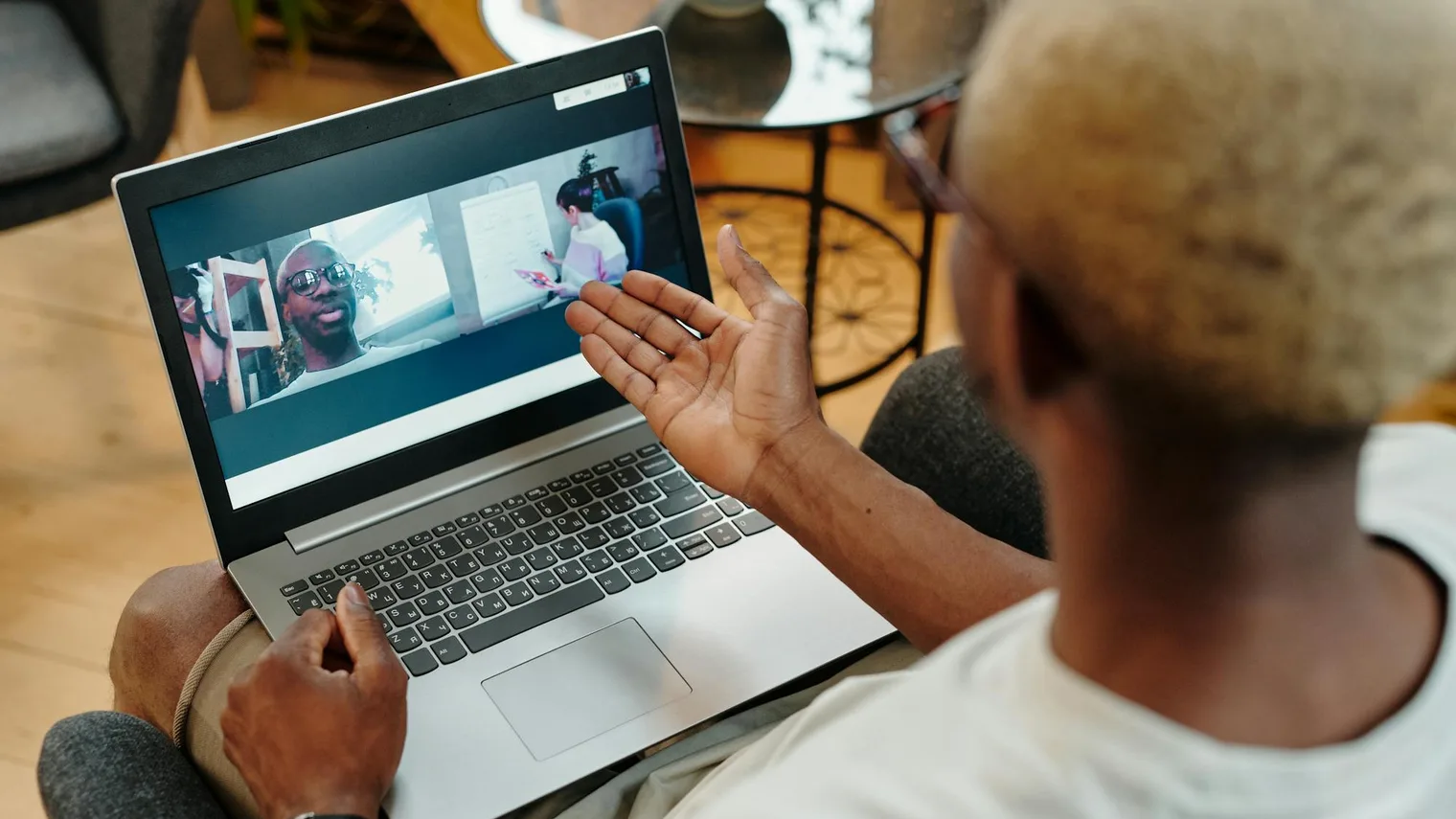
Live vs one-way virtual interviews
Not every virtual job interview works the same way. A live call tests conversation flow, listening, and follow-up recovery. A one-way recording tests clarity, structure, and composure without interviewer feedback. Prepare for the version you actually have.
Virtual interview formats
Prepare for the signal the format is designed to reveal| Format | What it tests | How to prepare |
|---|---|---|
| Live recruiter screen | Role fit, motivation, availability, salary range, communication | Practice a 60-second background summary and two concise fit examples. |
| Live hiring manager call | Judgment, depth, ownership, follow-up reasoning | Prepare stories that can survive "why," "what changed," and "what would you do differently?" |
| Panel video interview | Stakeholder communication and switching between question styles | Practice answering one person while keeping examples clear for the whole room. |
| One-way recording | Structure, composure, and clarity without interviewer cues | Use a short answer frame, leave a calm pause, and stop before you ramble. |
A live virtual interview rewards listening. Repeat the question in your own words if it is complex, then answer. A one-way virtual interview rewards structure. Name the point first, give evidence, and end cleanly because there is no interviewer to rescue a wandering answer.
Set up the room before you practice
Do the room check before you start answer practice. If you practice in a room that will not match the real call, you may train yourself around the wrong cues. Your camera angle, lighting, audio, and note placement should be close to the final environment.
A good setup does not need to look like a studio. It needs to be stable, readable, and quiet enough that the interviewer can focus on your answer.
- Put the camera at eye level, not below your chin.
- Use front-facing light so your face is visible without a harsh glare.
- Keep your background simple and remove movement behind you.
- Test microphone input with the same headphones or speakers you will use.
- Close tabs, notifications, and messaging apps before the call.
- Keep notes on one small page near the camera, not across a second monitor.
- Prepare a backup hotspot, charger, phone number, and rejoin link.
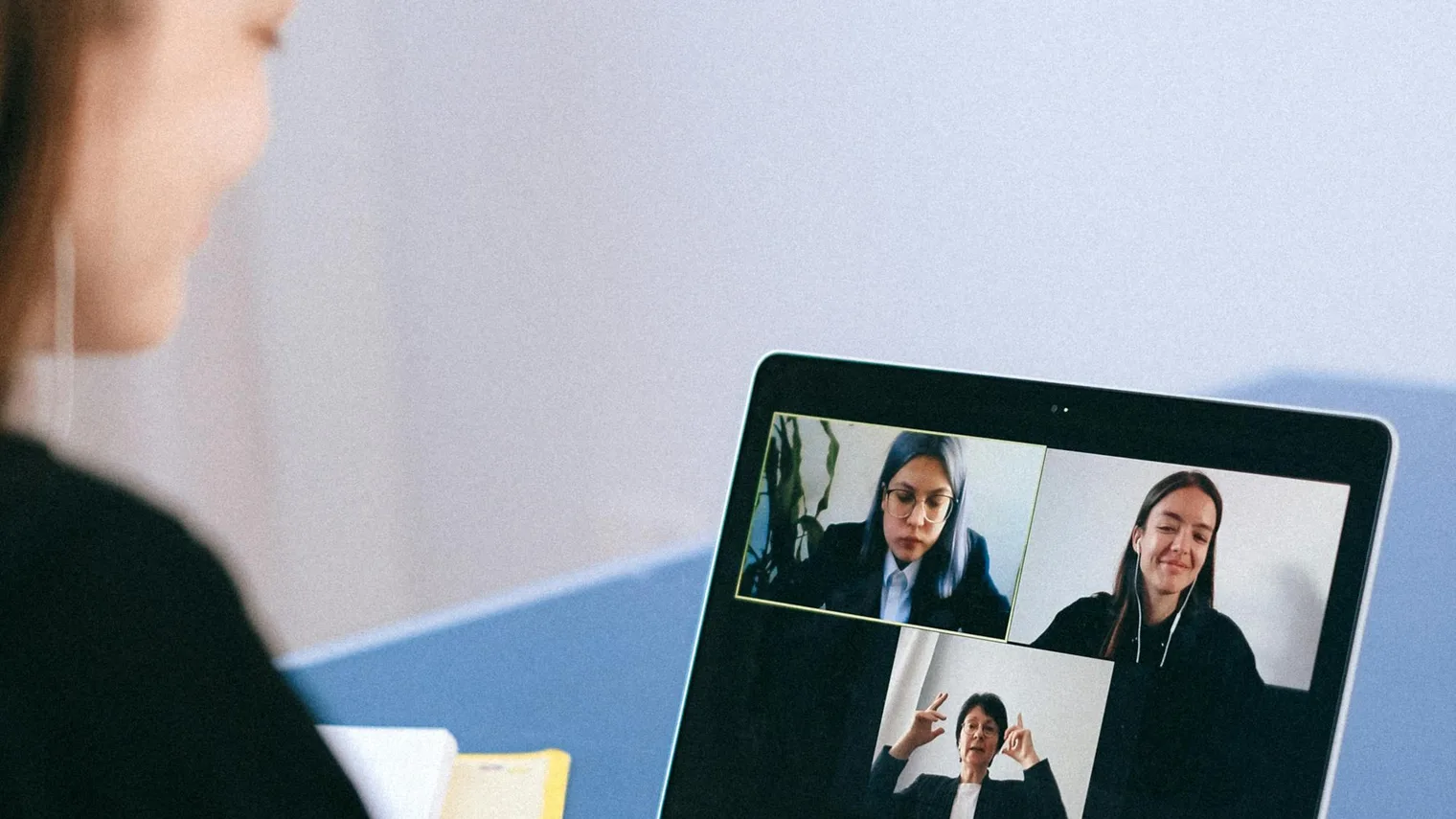
Write prompts, not paragraphs. A page of scripted answers pulls your eyes away from the interviewer and makes your voice sound flatter. Use role priorities, numbers, names of examples, and two questions you want to ask.
Answer for the screen without sounding scripted
The screen makes rambling easier because you cannot always read the interviewer's body language. Strong virtual interview tips focus on answer control: start with the point, give evidence, and check whether the interviewer wants more depth.
For a behavioral question, use a compact story structure: situation, action, result, and lesson. For a role-fit question, connect the job description to one proof point. For a motivation question, name the work you want to do, not just the company reputation.
Use virtual interview tips as practice prompts only after you know your target role. A generic tip like "make eye contact" is useful, but it will not help much if your answer cannot explain why your resume matches the job.
Answer the question in the first sentence.
Use one role-relevant example, number, tradeoff, or outcome.
Connect the example back to the job you want.
Here is the difference in practice:
Weak answer: "I am a strong communicator and I have worked with different teams, so I think I would be a good fit for this role."
Stronger answer: "The part of this role that matches my background is cross-functional execution. In my last team, I owned a weekly launch review with product, support, and sales, which reduced last-minute support escalations before releases. That is why the coordination part of this customer operations role stood out to me."
The stronger answer works in a virtual interview because it is easy to follow through audio, specific enough to invite useful follow-ups, and short enough that the interviewer can redirect if needed.
Handle lag, silence, and mistakes
Every virtual interview has some risk of delay, interruption, or awkward overlap. The mistake is not the lag itself. The mistake is reacting as if the interview is ruined. Prepare a few recovery lines so you can stay composed.
Recovery phrases
Use calm, short language when the call gets awkward| Moment | What to say | Why it works |
|---|---|---|
| You talk over the interviewer | "Sorry, I think we overlapped. Please go ahead." | It resets the rhythm without over-apologizing. |
| You lose audio for a sentence | "I missed the last part. Could you repeat the question from 'team priorities'?" | It shows attention and names exactly where you lost the thread. |
| You need a moment to think | "Let me take a few seconds to organize that." | It turns silence into a deliberate pause. |
| Your answer wandered | "Let me tighten the answer: the main point is..." | It repairs clarity while the interviewer is still listening. |
One practical rule: do not fill every silence. On video, candidates often talk faster because silence feels louder. A two-second pause before a hard question can make you sound more thoughtful, not less prepared.
The National Association of Colleges and Employers defines career readiness through competencies such as communication, professionalism, teamwork, and technology use. Its career readiness framework is a useful reminder that a virtual interview is not only a technical setup test. It is also a communication and judgment test under realistic constraints.
Practice the virtual interview loop before the call
One run-through is usually not enough. The first round exposes setup problems. The second round exposes weak answer structure. The third round should focus on follow-up questions, because real interviewers rarely stop at your prepared first answer.
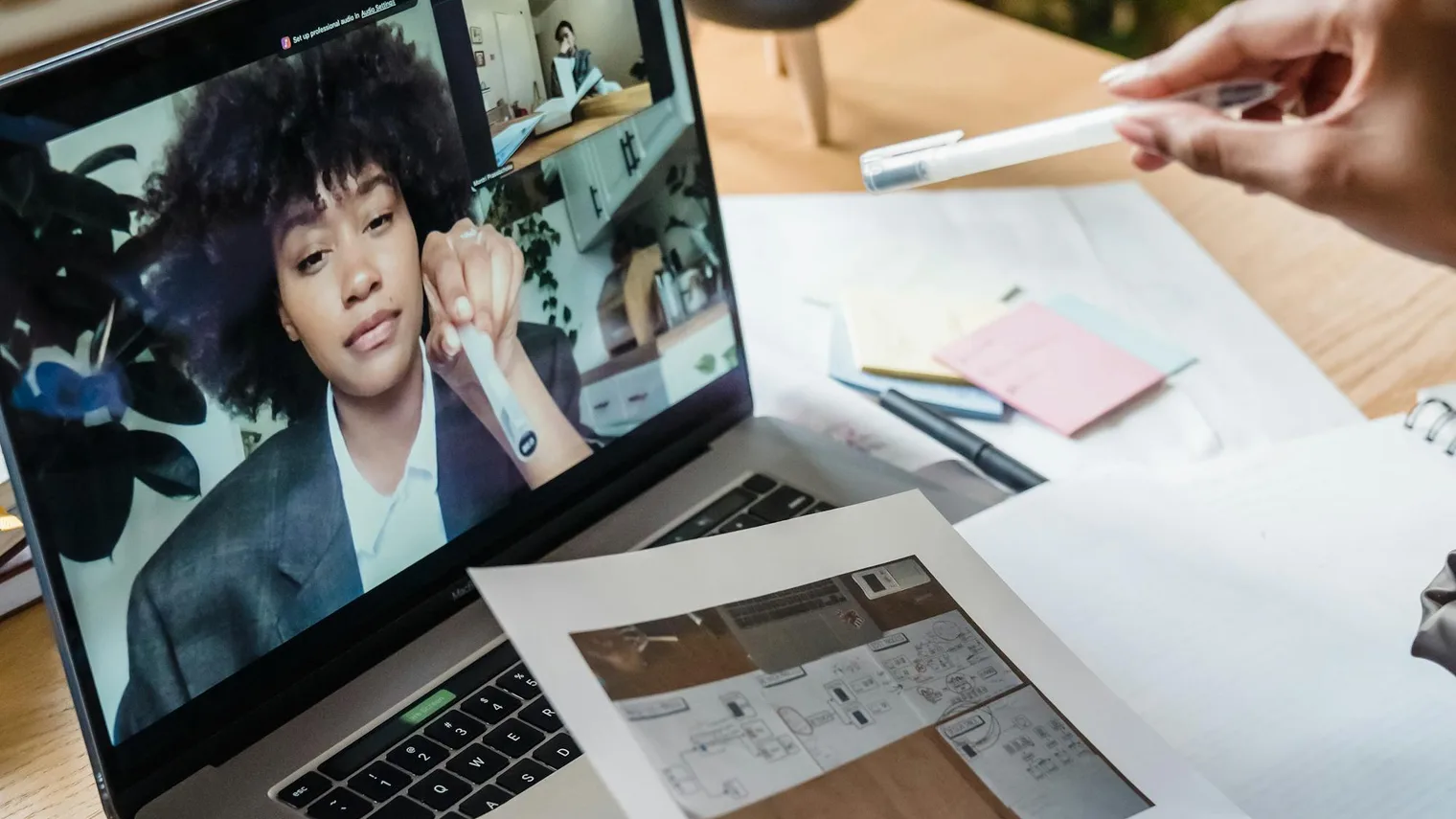
A better video interview practice loop has five steps: start from the resume and job description, answer out loud, invite follow-up pressure, review what you said, and choose one thing to improve in the next round.
- Map the role. Pull out the three responsibilities the employer cares about most.
- Choose evidence. Match each responsibility to one story, project, metric, or decision.
- Answer live. Say the answer out loud with camera and audio on.
- Review the replay or transcript. Look for filler, missing context, long setup, and unclear outcomes.
- Practice the next version. Keep the useful parts and rehearse the one correction that would matter most.
This is the product bridge for MockGPT: the useful preparation loop starts with resume and job description context, moves into realistic follow-up practice, then uses the words you actually said to decide what to improve next. You do not need to guess whether an answer sounded clear if you can review the transcript, replay the moment, and turn feedback into the next practice plan.
Bottom line
A virtual interview rewards candidates who prepare the environment and the conversation. Test the room, practice with the camera on, keep notes short, answer with proof, and rehearse recovery lines for lag or silence. Then review one practice round before the real call so your next version is sharper than your first.
If you want a preparation loop that connects your resume, the job description, realistic follow-ups, transcript review, and a next-round practice plan, start with MockGPT before your next virtual interview.
Virtual interview FAQ
What is a virtual interview?
A virtual interview is a job interview conducted through video, audio, or an online interview platform instead of in the same physical room. It can be live with an interviewer or asynchronous with recorded prompts.
How is a virtual interview different from a video interview?
People often use the terms interchangeably. A video interview usually refers to the medium, while a virtual interview can include the full remote process: scheduling, platform setup, live conversation, one-way recording, and follow-up communication.
What should I do before a virtual interview?
Test your camera, microphone, lighting, background, internet connection, notes, charger, meeting link, and backup plan. Then practice answers out loud using the same device and room you plan to use for the interview.
How can MockGPT help me practice for a virtual interview?
MockGPT is built around the practice loop candidates need before a virtual interview: resume and job description context, realistic follow-up practice, transcript review, feedback, and a next-round plan.